
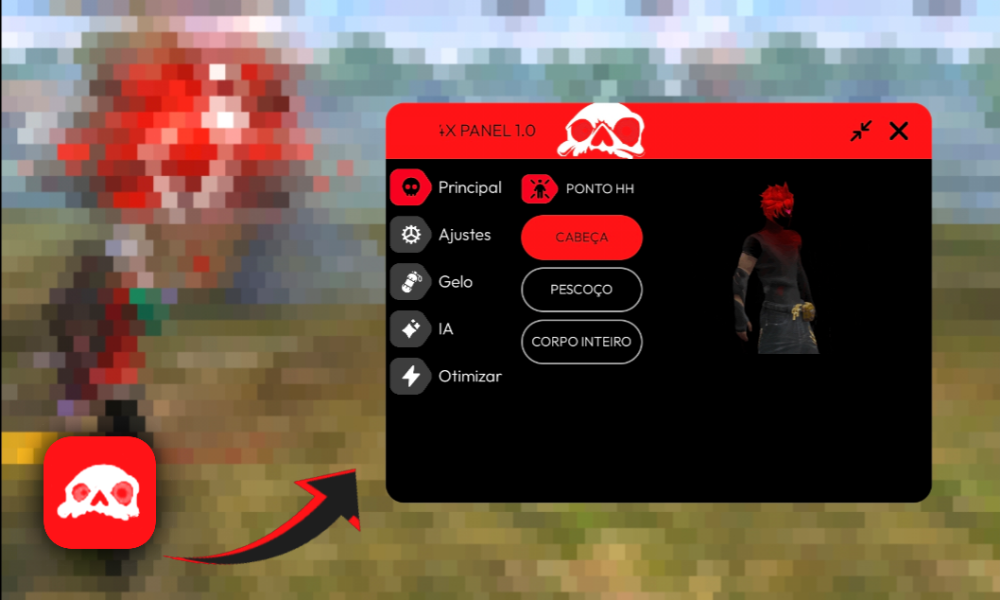
So I kept seeing "FFH4X Sensi" pop up while I was looking through Free Fire related searches, and honestly my first thought was the same as probably yours — is this some kind of hack?
Turns out no, and I almost scrolled past it because of the name alone. That would've been a mistake. After actually installing it and messing around for a few days, I figured it's worth writing down what this thing really is, what it gets right, what's kind of meh about it, and whether it's actually worth the storage space on your phone.
No hype, no "this changed my life" nonsense — just what I noticed using it.
📌 What Is FFH4X Sensi?
Okay so first things first. The actual Play Store name is "FFH4X - Sensitivity," made by a developer called Lunexa Studios, and it's sitting at over a million downloads which isn't nothing. The "H4X" in the name throws people off — I get it, I assumed the same thing for about five seconds before reading the description.
It's not a hack. It's not a mod menu. It's a sensitivity companion app, basically a toolkit that helps you understand your aim settings, keep an eye on your FPS, check your ping, and peek at your device specs, all without touching a single Free Fire file.
The developer is pretty blunt about this in the app listing too, which I appreciated. They straight up say it doesn't automate anything and doesn't promise headshots. That's refreshing because half the apps in this category act like they're some secret weapon.
This one's more like... a study buddy? It gives you sensitivity ranges and explains the reasoning instead of just dumping numbers on you and walking away.
Worth saying clearly: Free Fire bans accounts for actual cheating, and this isn't that. It lives in the same category as crosshair overlays and FPS counters that gamers have been using for years on mobile.
🎮 How Does It Work? / Gameplay Overview
It runs next to Free Fire, not inside it — important distinction. You open the app, browse the sensitivity section, jot down or remember whatever values seem relevant to your playstyle, then go change them yourself in Free Fire's own settings menu.
There's no syncing or auto-apply button, which some people might find annoying, but honestly I think that's a good thing. It keeps you involved in the process instead of letting an app make decisions for you.
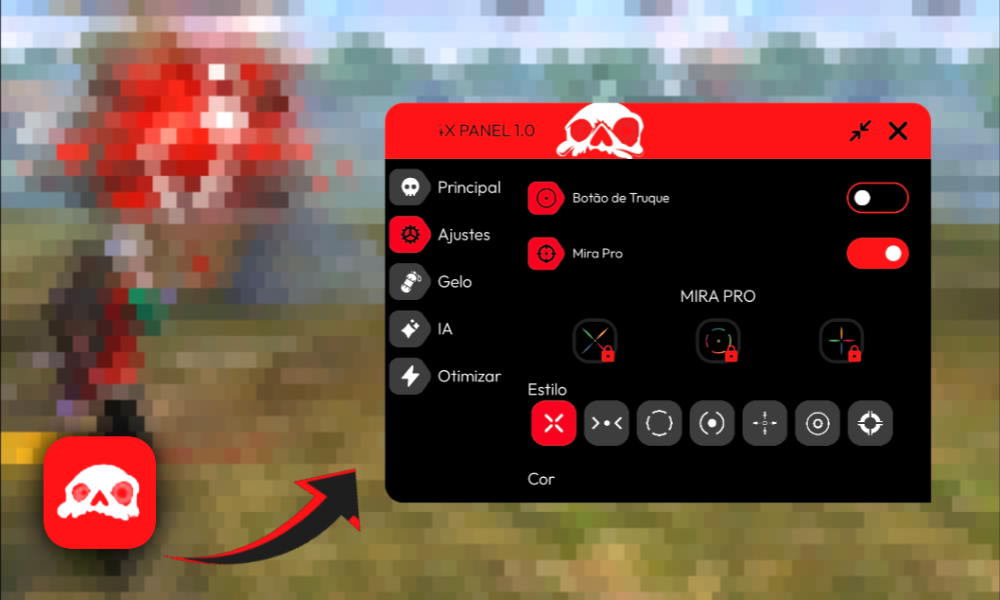
The crosshair overlay was the feature I actually used the most. You can resize it, move it around, change how it looks — small thing, but for close-range fights it gave me something consistent to focus on. Whether it actually made me better is hard to say objectively, but it felt better, and in a game like this, feel matters more than people admit.
The FPS counter sits in the corner while you play, and this turned out to be more useful than I expected. There was a match where I kept whiffing shots and assumed my sensitivity was off, turned out my FPS was tanking every time three or more players showed up on screen.
That's a device problem, not an aim problem, and I wouldn't have known the difference without seeing the number drop in real time. Same logic applies to the ping display — sometimes a missed shot really is just lag, not bad aim, and it's nice to actually confirm that instead of guessing.
Device info section is just a quick rundown of your phone's hardware. Not flashy, but handy if you're trying to figure out what graphics settings actually make sense for your phone instead of just maxing everything out and wondering why it lags.
✨ Key Features Of FFH4X Sensi — The Ones Worth Knowing About
🎯 Sensitivity Guidance That Actually Explains Itself
Instead of just handing you a number for 4x scope sensitivity, it walks through why certain ranges work better for certain scopes. I didn't realize how much I was just guessing before this.
🖍️ Custom Crosshair Overlay
Adjustable size, position, style. Took me a few tries to get it where my eyes naturally land, but once it clicked, close-range gunfights felt noticeably steadier.
📊 Real-Time FPS Monitor
Floating counter, doesn't get in the way much. Caught my device struggling during grenade spam more than once.
📶 Live Ping Display
Tells you your latency on the spot. Saved me from blaming my aim for what was actually a network hiccup.
📱 Basic Device Info Panel
Quick specs overview — processor, RAM, that kind of thing. Useful context, nothing groundbreaking.
🧭 Interface That Doesn't Try Too Hard
No clutter, no fifteen menus to dig through. You'll figure out where everything is within a minute or two of poking around.
💡 Benefits of Using FFH4X Sensi
The biggest thing for me was just understanding what I was doing instead of randomly dragging sliders until something felt okay. I'd been playing Free Fire for a while before this and honestly never had a real grasp on why my sensitivity felt off in certain scopes — I just adjusted things blindly and hoped. This app gave me an actual starting framework, which sounds small but saved me a bunch of trial-and-error matches.
The performance tools ended up mattering more than I expected going in. Knowing your FPS and ping in real time means you stop blaming yourself for things that are actually your phone's fault, which, honestly, happens more than most players want to admit.
I've definitely yelled at my own aim in the past for what was just a frame drop. There's also something to be said for the crosshair overlay giving your eyes a fixed point — it's subtle, but over a few sessions it does smooth out your reactions a little.
And then there's the simple fact that none of this risks your account. You're not modifying anything, you're not gambling with a ban, you're just using information to make better decisions in the actual game. That peace of mind is worth more than people give it credit for.
🛠️ Tips to Get the Most Out of It
🔧 Change One Thing at a Time
Don't touch five sensitivity values in one sitting — you won't know which change actually helped. I learned this the hard way after a confusing week of "is this better or worse, I genuinely can't tell."
🎮 Test in Training Ground First
Free Fire's practice mode exists for a reason. Try new values there before taking them into ranked, where the pressure makes everything feel different anyway.
📈 Pay Attention to FPS Patterns, Not Single Drops
One low reading means nothing. A pattern of drops during specific moments — explosions, multiple enemies, smoke effects — that's worth fixing through graphics settings instead.
🖱️ Resize the Crosshair for Your Actual Screen
What works on my phone might look completely wrong on yours. Spend a couple minutes getting it positioned right instead of using the default.
🔄 Revisit Your Settings Every Few Weeks
Your hands adjust to whatever sensitivity you're using over time. Something that felt perfect a month ago might feel slightly stiff now — worth a quick check-in periodically.
📥 How to Download and Install
This one's available right on the Google Play Store, which is exactly where I'd tell you to get it from. No need to go hunting through APK sites for this one.
1. Open Google Play Store on your phone.
2. Search "FFH4X - Sensitivity" — make sure the developer listed is Lunexa Studios, since names get copied sometimes.
3. Tap into the listing and just glance over it — screenshots, description mentioning crosshair, FPS, ping, all that. Confirms you're in the right place.
4. Hit Install. It's a small app, downloads fast even on average connections.
5. Open it up, allow whatever permissions it asks for, and head into the sensitivity section to start poking around.
6. Switch between this and Free Fire (or split-screen if your phone supports it) so you can actually apply the values into the real game settings as you go.
I'll say this plainly — if you find this app somewhere outside the Play Store promising "unlocked" features or some extra premium version, skip it. That's exactly the kind of thing that gets repackaged with junk you didn't ask for. The Play Store version is free anyway, so there's nothing extra to unlock.
🔒 Is It Safe to Use? Here's the Honest Take
This is the part people actually care about, so let's not tiptoe around it. Downloaded from the Play Store, yeah, it's safe in the ways that matter. It went through Google's review process, it's got a real privacy policy, and the data safety section is right there on the listing for anyone to check.
According to that listing, it may share location and device IDs with third parties — pretty standard for an app running ads — and data's encrypted in transit. Nothing about it screamed "red flag" to me when I looked through it.
What matters just as much is what it doesn't do. No file modification, no script injection, no fake promises about automatic headshots. The developer's disclaimer actually says outright that it's unofficial, unaffiliated with Garena, and doesn't hand out unfair advantages. That kind of honesty is rare in this specific corner of the app store, where half the competition leans hard into vague hacking language just to farm downloads.
My only real piece of advice: stay away from random APK versions floating around outside the Play Store. Not because this specific app is sketchy, but because anyone can repackage a popular app name and stuff in something you don't want. Stick to the official source and you're fine.
🧩 FFH4X Sensi vs Other Sensitivity Apps — How Does It Compare?
I've tried a few different tools in this space over time, and most of them split into two camps. There's the general game booster apps — closing background processes, freeing RAM, that sort of thing — and there's the network-focused apps like ExitLag that deal with ping and server routing.
FFH4X Sensi doesn't really compete with either of those directly. It's narrower, more specifically about understanding sensitivity and pairing that with some lightweight performance monitoring.
If you want serious network optimization, you'd want a dedicated tool alongside this one. But if your goal is just getting a handle on your aim settings without wading through fifty YouTube tutorials with conflicting advice, this stays in its lane pretty well.
What stood out to me compared to similarly named apps is just how upfront the disclaimer is. A lot of "FF" branded tools lean into the cheat angle without quite saying it outright, just enough to bait clicks from people searching for actual hacks. This one does the opposite, which honestly earned it some trust from me before I'd even tested the features.
❓ Common Mistakes Players Make With Sensitivity Settings
I made basically all of these myself before figuring it out, so take this as lived experience rather than a lecture. The first mistake is adjusting too many values at once — general sensitivity, red dot, 2x scope, all in one sitting. Then you play a match and have no idea which change actually mattered. Slow down and isolate one variable at a time.
Second mistake, and I see this constantly in comment sections — copying a pro player's exact sensitivity numbers and expecting the same results. Screen size, DPI, even how big your hands are, all of it changes how a number actually feels. Use someone else's setup as a rough starting point, not gospel.
Third one's the big one. People chase "the perfect sensitivity" like it's some magic fix, when really most of the missed shots come down to positioning, timing, or just not tracking movement well.
I spent way too long fiddling with sliders before realizing my actual problem was peeking corners badly, not my aim settings. Sensitivity matters, sure, but it's one piece, not the whole puzzle.
⚖️ Pros and Cons — The Unfiltered Take
Pros:
- Official Play Store app, so installing it doesn't put your account or device at risk
- Doesn't touch Free Fire's files, no ban concerns
- FPS and ping monitoring genuinely useful, not just a gimmick
- Sensitivity explanations actually teach you something instead of just listing numbers
- Light app, doesn't drain battery or eat storage
- Free, with ads being the only real cost
Cons:
- Ads do interrupt things if you're opening it frequently
- Crosshair overlay rendering can vary a bit depending on your specific phone
- Sensitivity advice is still general — it won't replace your own practice and adjustment
- The name confuses people expecting an actual cheat tool, which leads to some unfair one-star reviews from folks who misunderstood what it is
- Shares some data with third parties for ads, so it's not a fully closed-off, private experience
🏁 Final Verdict — Is It Worth Downloading?
If you came here looking for an actual hack, I'm going to be straight with you — this isn't it, and you genuinely don't want that anyway, not with how Free Fire handles bans these days.
But if you actually want a structured way to get better at understanding sensitivity, keep tabs on your FPS and ping, and mess around with a crosshair overlay without risking anything, FFH4X Sensi does the job reasonably well.
It's not going to turn you into a top-tier player by itself — nothing legitimately does that — but as a free, low-risk utility that respects the game's rules, it's earned a spot on my phone for now.
Grab it from the Play Store, treat the sensitivity numbers as a starting point rather than a final answer, and put in actual match time. That combination is what really moves the needle, not the app on its own.








