
.webp
)
.webp
)
.webp
)
.webp)
So you require a document from some government office in Algeria, and the idea of taking a morning off work to stand in line is already exhausting you.
Yeah, I know. And that’s pretty much the explanation for why Dzair Digital Services is around and why so many people have recently been typing this name into Google trying to find out what it actually is before installing it.
I've been poking around this app for a while now, partly out of curiosity and partly because I had to renew a couple of documents myself, so this isn't going to be one of those generic "top features" write-ups.
I'll tell you what it does, where it still trips up, and how to actually get it on your phone without landing on some sketchy download page.
📌 What Is Dzair Digital Services?
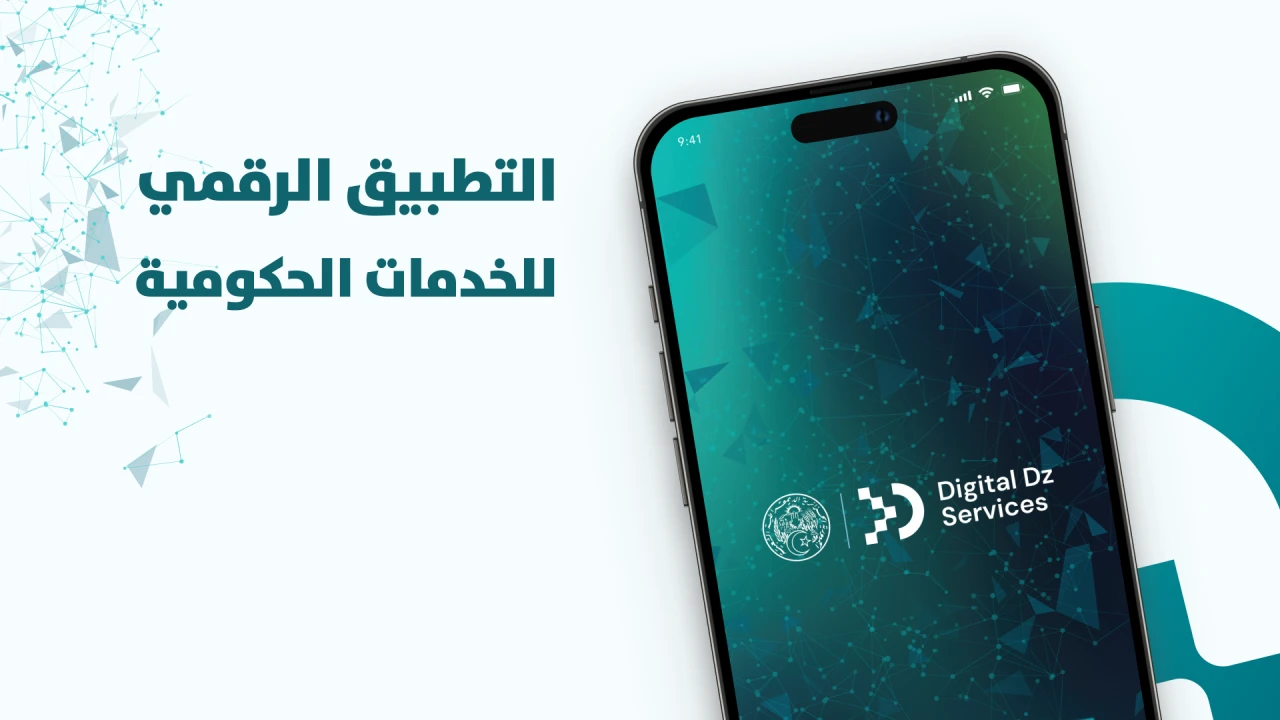
Dzair Digital Services APK is basically Algeria's attempt at putting government paperwork on your phone instead of behind a counter. It's built and run by the High Commission for Digitalization, and the pitch is simple: instead of running around to five different offices for five different stamps, you open one app and do most of it from wherever you are.
It rolled out under this bigger "paperless administration" push the government keeps talking about, with a target of 2030 for the full rollout. When it launched, it had somewhere around 52 services live — things tied to civil status, court paperwork, health records, land registry stuff, solidarity programs, that kind of thing.
A few more are apparently on the way too, like the family record sheet and residency certificate, though I haven't seen those live yet myself.
What actually makes the thing work is this "digital identity" they built together with the Interior Ministry. It's basically your login tied to your real civil records, so the app knows it's actually you requesting the document, not some random person.
There's also a wallet feature buried in there that saves whatever documents you've already pulled, so you're not printing the same paper five times over the course of a year.
Before they let regular people loose on it, they apparently ran it through pilot testing in seven ministries with something like 1,700 citizens involved during the spring. There was also a cybersecurity review done alongside Algeria's information security agency, which honestly makes sense given how much personal data is flowing through something like this — national ID numbers, birth records, all of it.
🎮 How Does It Work?
Not really a game, obviously, but people search it that way so let's just walk through it like one. You download it, set up an account, pick a service, and go from there — same basic loop as most apps.
Setting up your account is where the digital identity part kicks in. You punch in your national ID info and then verify either your phone or your email with a one-time code. I'll be honest, a few people online mentioned the code taking forever to show up during the earlier rollout, and I've seen it happen too — sat there refreshing my messages for a solid five minutes once.
The devs have been chipping away at this though, and at one point they actually dropped the mandatory email verification step entirely just to cut down on the friction.
Once you're in, there's a dashboard sorted loosely by category — civil status, justice, health, land stuff, solidarity. You click into whatever you need, the form is usually way shorter than the paper version, fill it out, hit submit, done.
Depending on what you're requesting, you either get a document right away that you can download, or it goes into a queue and you get pinged once it's ready. Either way it lands in your wallet section, so next time some office wants proof of something, you're not digging through a drawer of old papers — you just pull your phone out.
✨ Key Features Of Dzair Digital Services — The Ones Worth Knowing About
🪪 One Login, Everything Connected
This is honestly the part I like most. One account gets you into every service instead of remembering five different passwords for five different government portals like it's still 2015.
📄 A Wallet That Actually Remembers Your Documents
Once you've pulled a document, it just sits there in the app. No re-requesting the same civil status paper every time some office needs a fresh copy.
🏛️ Everything Under One Roof
Civil records, court stuff, health, land, solidarity programs — instead of bouncing between five separate websites that all look like they were designed in different decades.
🔐 Identity Checks Baked In
Account setup runs through OTP and ID verification tied to your actual records, so it's a lot harder for someone to fake being you on the system.
🌍 Arabic and French, Both Covered
Makes sense for Algeria — both languages get proper support, and there's been talk of adding more down the line.
🔄 It's Still Getting Worked On
They've pushed several patches already for login bugs and translation issues, which tells me this isn't some app that got launched and then abandoned. Someone's actually watching the feedback.
📱 Works On Android and iPhone Both
No need to switch phones or feel left out if you're not on Android — it's on the App Store too.
💡 Benefits of Using Dzair Digital Services
Time is the obvious one. Anyone who's actually dealt with Algerian government offices knows a simple document can turn into a whole morning gone — travel, waiting, and then maybe the office is closed anyway or the one clerk who handles your case isn't even in that day. Doing the same thing from your couch in under fifteen minutes is a genuinely different experience, not just a marginal improvement.
And there is also something to be said for consistency. When a process is digitized, it usually follows the same rules every time, rather than depending on which office you walked into or the mood the clerk was in that day. Anyone who's gotten wildly different answers from two different windows at the same building knows exactly what I mean.
If you're not living near where your civil records are registered — maybe you moved cities, maybe you're abroad — this cuts out the whole "travel back home just to grab one paper" situation. That alone is worth something for people juggling jobs or families far from their hometown.
There's a paper trail too, in a good way. Everything you request gets logged inside the app, so you actually know what you asked for and when, instead of relying on a stamp that might get lost or a promise from someone behind a counter that things are "being processed."
And if the government actually follows through on its digital roadmap for 2030, this app is supposed to be the backbone of a much bigger shift in how things get done here. Getting comfortable with it now probably saves some headache later once it's not optional anymore.
🛠️ Tips to Get the Most Out of It
📶 Don't Set Up Your Account On Bad Wifi
The OTP and identity verification steps are where things stall the most, and half the time it's just a weak connection causing the delay, not the app itself.
🕐 Avoid Peak Hours If You Can
Like most government systems, things slow down when everyone's trying to use it at once. Early morning or late at night tends to be smoother.
🗂️ Label What's In Your Wallet
The app stores your documents fine, but it won't always be obvious which is which months later. A quick note to yourself saves you from opening five files to find the right one.
🔁 Update the App Often
This thing gets patched a lot right now, and updating usually means fewer login headaches than the version before it.
🌐 Switch the Language If a Screen Looks Weird
Some forms have had rough translations here and there. Flipping between Arabic and French sometimes clears up confusion on a specific field.
📞 Link Both a Phone Number and an Email
Since OTP delivery hasn't always been instant, having a backup verification method means you're not stuck if one of them lags.
📥 How to Download and Install Dzair Digital Services Latest Version
The most reliable and safe place to download from I recommend APKview.com as your resource. Random download sites don’t have that security layer of checking APK signatures before publishing.
Step 1: Open the browser on your Android device and go to APKview.com.
Step 2: Enter “Dzair Digital Services APK” in the search box.
Step 3: Locate the most recent version of the APK file. Just make sure that it’s from a trusted source on the site.
Step 4: Choose the download button. Your device might prompt you to confirm if you want to download the file – confirm if you want to download it.
Step 5: This is where most people get it wrong. You must allow installations from Unknown Sources. On most Android phones, go to Settings > Security > Unknown Sources and toggle it on. Some new phones may ask you to give permission for your browser only – just do what it tells you on your screen.
Step 6:Tap the downloaded APK file. It’s usually sitting in your Downloads folder.
Step 7: Click on Install and wait for few seconds. It's fairly fast.
Step 8: When done, open the app and sign up or login, if you have an existing account from the web version.
Just A Quick Note – if you receive an error, the file might be corrupted or you might have downloaded the wrong version. Try downloading again, or check that your Android version is supported.
🔒 Is It Safe to Use? Here's the Honest Take
Since this whole thing runs on a "digital identity" tied to your national ID, it's a fair question to ask before installing anything. From what's been reported, there are some good signs — cybersecurity testing was done with Algeria's information security agency before the wider rollout, and the pilot phase involved over a thousand citizens actually using it, not just a lab test. That's more scrutiny than most apps ever get before launch.
On the data side, the developer says it isn't collecting more than it needs to run the identity and document features, and it operates under Algeria's data protection law, with oversight from the national data protection authority. That's a real legal backing behind it, which a random unofficial app obviously wouldn't have.
That said, it hasn't been a completely smooth ride. People have run into OTP delays, some email verification hiccups, and a handful of translation issues on certain screens. None of that is really a security problem so much as it's a young platform still smoothing out the rough edges as more people start using it.
The thing I'd actually worry about is fake copies. Because this app touches your identity, a cloned version floating around outside the official stores is a real risk, not a hypothetical one. If you ever see this app being offered as a bare APK download somewhere, asking for weird permissions or extra account info it shouldn't need, walk away. Stick to the Play Store or App Store listing from the High Commission for Digitalization and you're fine.
⚖️ Pros and Cons — The Unfiltered Take
✅ Pros:
- Cuts down serious time compared to standing in line at an actual office.
- Everything's under one login instead of five separate portals to remember.
- Backed by a real government body with actual legal data obligations.
- Went through cybersecurity checks and a genuine pilot phase before opening up to everyone.
- The wallet feature means you stop re-requesting the same paperwork over and over.
- Works fine on both Android and iPhone.
- Gets updated fairly often to fix bugs and translation problems.
❌ Cons:
- OTP and email codes have been slow to arrive for some people.
- Not every government service is on there yet, it's still rolling out gradually.
- A few screens have had rough translations, though they're getting patched.
- You need a decent internet connection to get through setup without issues.
- Some processes still need an in-person visit anyway, depending on what you're requesting.
🏁 Final Verdict — Is It Worth Downloading?
Let's cut to the chase. If you're an Algerian citizen dealing with regular government paperwork, the Dzair Digital Services APK is worth having on your phone. The convenience of accessing 52+ government services without physically visiting offices is hard to overstate.
In a country where administrative bureaucracy has been a major frustration, this platform represents a genuine improvement. It also feels different from previous digitalization attempts.
This isn't just a website with some PDF forms. The platform includes a unified digital identity, an electronic wallet for document storage, and real-time request tracking. The security measures — involving the Ministry of National Defense's cybersecurity agency — are substantial . That said, the platform is still new. Not all services are available yet, and you might encounter occasional bugs.
The Dzair Digital Services is also a recent addition, so the Android experience may continue to improve with updates. If you're looking for an easy way to handle government paperwork, grab the APK from a trusted source like APKview.com, set up your account, and see if the available services meet your needs.
Just keep your expectations realistic — it's a step forward, but it's not a magic solution for every administrative problem. For most people, though, the Dzair Digital Services APK is absolutely worth downloading.








