
Look, there are hundreds of GTA mods out there on the internet. Most are the same old rehashed material, just with a new label slapped on it. So when I first heard about GTA Mzansi Tsotsi Lifestyle, I wasn’t exactly rushing to download it. Thought it was another reskin.
I was wrong.
This one actually gets it. If you're from South Africa — or even if you've just spent any real time in a township — you'll open this game and immediately feel something click. The taxi ranks, the streets, the music blasting from a Gusheshe parked outside a spaza shop.
It's not trying to copy Los Santos and rename it. It's genuinely trying to be Mzansi. And the Tsotsi Lifestyle mode specifically? That's where things get interesting.
This guide is for anyone who wants to know what the game is actually about, whether it's worth downloading, and how to get it running without losing your mind in the process. I'll be straight with you — including the parts that aren't great.
📌 What Is GTA Mzansi Tsotsi Lifestyle APK?
Short answer: it's a fan-made Android mod of GTA San Andreas, built to reflect South African culture instead of an American one. "Mzansi" is slang for South Africa — most South Africans already know this, but for anyone outside the country, that's the context.
Now, within the broader GTA Mzansi world, there are different variants. Kasi Vibes is probably the most well-known. There's also a Rags to Riches storyline, a Forex Trader arc (yes, really), and then there's Tsotsi Lifestyle — which is the one that strips away the aspirational stuff and goes straight to street level. Tsotsi is South African slang for a street hustler, a thug, a person living by his wits on the bottom rung. This mode embraces that to the fullest.
It's not an official Rockstar Games product. Let me be clear about that because some sites are confusingly vague on this point. Rockstar didn't make this. A modding community did. It runs on the GTA San Andreas engine, which means you need the base game's OBB data files alongside the APK for it to actually work. It's not on the Play Store either — you install it manually.
I know that sounds intimidating for anyone new to APK installs. I’ll walk through the entire process later, but once you do it once it’s really not that complicated.
🎮 How Does It Work? — Gameplay Overview
If you ever played GTA San Andreas at any point in your life, the bones of this game will feel familiar right away. Same third person angle, same open world freedom, same "do what you want or follow the missions" formula. The engine is old — nobody's pretending otherwise — but the modded content on top of it is what makes it worth playing.
In Tsotsi Lifestyle specifically, you start with nothing. No reputation, no money, no connections. Your first missions are small-time: running goods between spots, avoiding the SAPS, maybe sorting out some drama with a rival crew in the neighbourhood. It feels grounded in a way that a lot of crime games don't. It's not glamorous. It's survival.
As you work through the story, things escalate. You build relationships, gain territory, get access to better vehicles and gear. The progression feels earned rather than handed to you.
The map is where you'll spend most of your time just exploring, honestly. It's based on South African environments — not a 1:1 copy of any real city, but areas that feel like Johannesburg, or the Cape Flats, or parts of Durban.
Taxi ranks, informal markets, residential blocks, police stations scattered in ways that'll have you changing your route constantly. The NPCs on the street use local slang. The radio stations play Amapiano and Kwaito. Even the police vehicles are modeled on SAPS cars.
It all adds up to an atmosphere that no other mobile game I've played has managed to capture for this specific part of the world.
✨ Key Features Of GTA Mzansi Tsotsi Lifestyle APK — The Ones Worth Knowing About
🏘️ A Map That Actually Feels South African
Not just in name. The environments are designed around township geography — tight streets, taxi ranks, spaza shops, the kind of layout that makes sense if you've lived it. You'll recognize the vibe immediately even if no specific street matches a real one.
🚕 The Vehicle Roster Is The Best Part
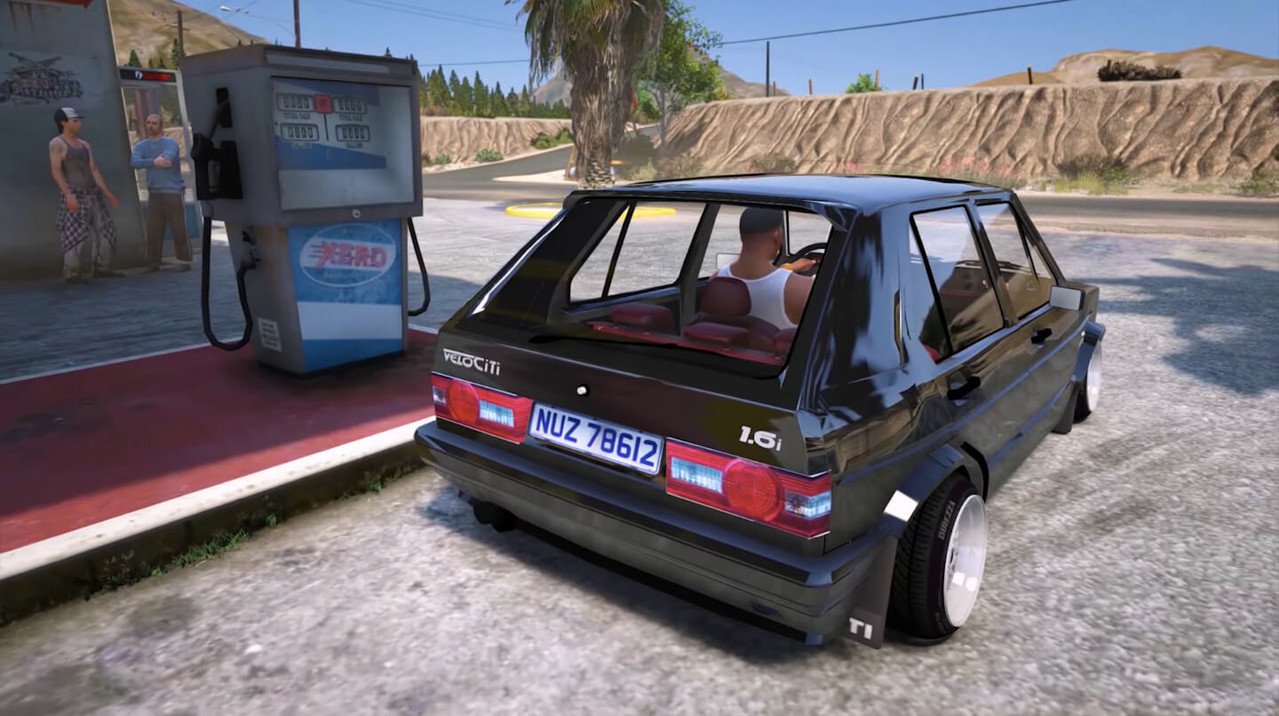
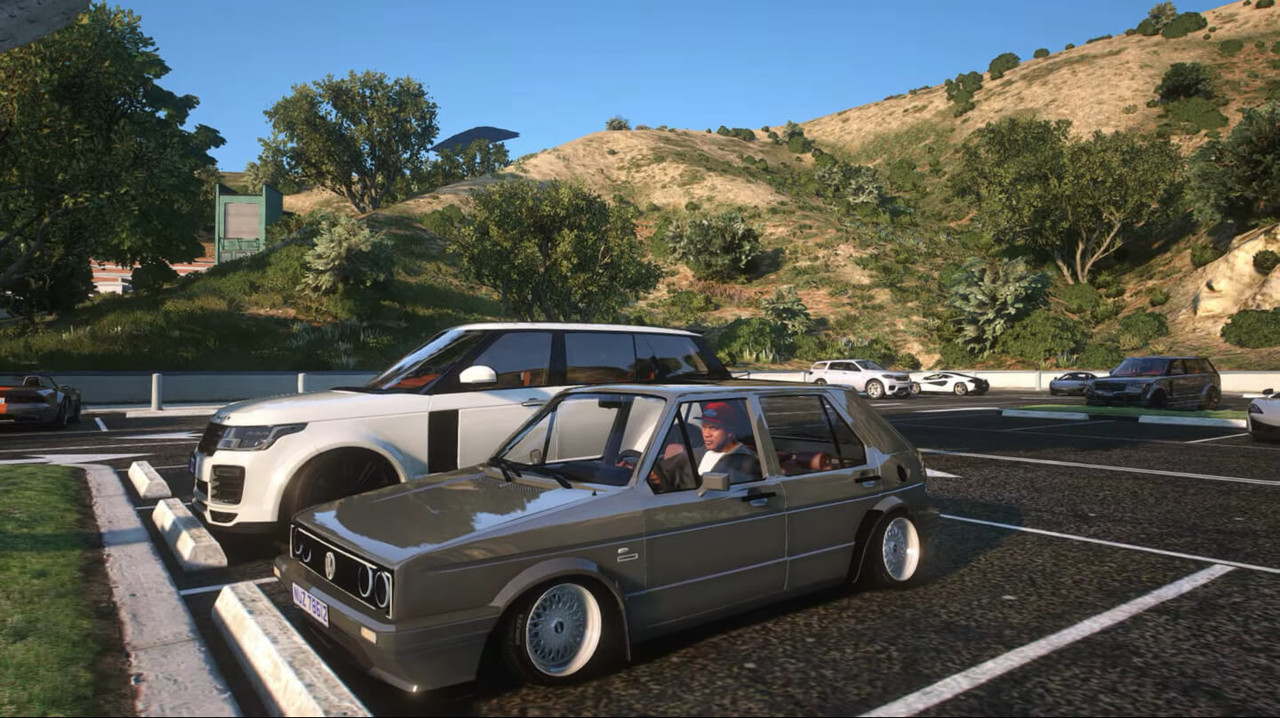
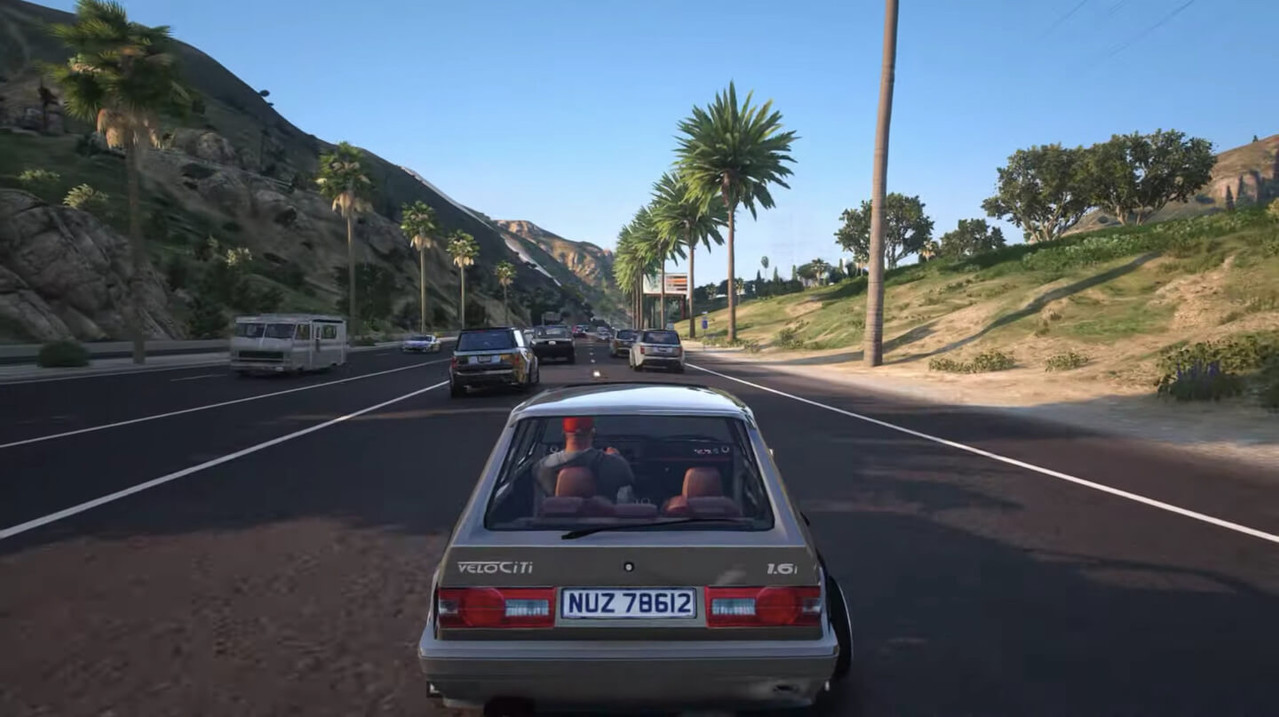
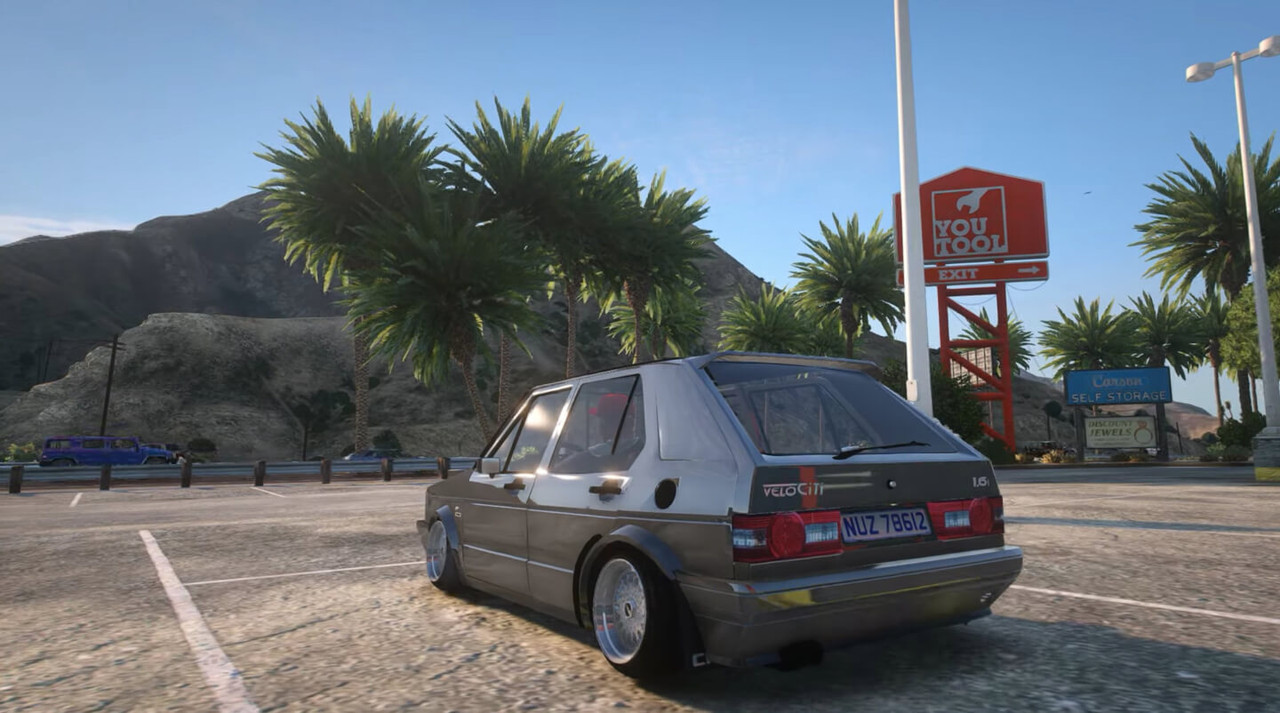
Seriously. Minibus taxis, Quantum combis, Citi Golfs, Gusheshes, bakkies — the selection of vehicles is better curated than most of the rest of the mod's content. Driving a Gusheshe through a township with Amapiano blasting is genuinely fun. Nobody expected to be saying that about a mobile game in 2026.
🎵 The Soundtrack Changes Everything
This may sound like a small thing. It isn’t. In-game radio plays Amapiano, Kwaito and local Hip-Hop. Install that with the original GTA SA music and you get a completely different emotional ride. The music grounds the setting in a way that visuals can't alone.
🎭 Tsotsi Lifestyle Mission Arc
The actual story missions are built around the tsotsi experience — street-level survival, neighbourhood politics, working your way up from nothing. The missions aren't set in a fantasy version of crime. They're set in something that feels like a familiar reality for a lot of South African players.
🧑🤝🧑 NPC Dialogue With Local Slang
The characters talk like people from Mzansi. They use slang. It sounds natural rather than forced. Compared to how NPCs in most games speak, this is a noticeable improvement in immersion for local players.
🛻 Vehicle Customization — Kasi Style
You can modify your cars with locally-styled paint jobs, rims, and accessories. It's not the most sophisticated customization system ever built, but the aesthetic options are on point.
📶 Offline, All the Time
No internet connection required for single-player. Given how expensive mobile data is in South Africa, this isn't just a nice feature — it's basically essential for the game to be accessible to its main audience. Download once and play whenever.
📱 Works on Mid-Range Phones
Android 5.0 and up. 2GB RAM gets you through it, though 3GB or more is noticeably smoother. You don't need anything fancy.
🔓 Everything's Unlocked
No freemium nonsense. No waiting for timers. No buying currency to unlock a car you should already have. Everything in the mod version is available from the start.
💡 Benefits of Using GTA Mzansi Tsotsi Lifestyle APK
The most obvious is representation and I don’t want to gloss over it just because it sounds like a buzzword. There are not many games – on any platform and at any price – that South African gamers can see their own world reflected back at them. This mod does this. Not perfectly, not AAA polished, but authentically enough to matter.
Other than that, the gameplay loop is good for mobile sessions. You don't have to do an hour-long mission before you can put your phone down. The Tsotsi Lifestyle missions are focused, action-oriented, and can be picked up and put down without losing your place in the game. That matters when you're playing on a phone and life keeps interrupting.
The offline capability is genuinely one of the most important practical benefits. Once installed, you can play anywhere — no data needed. For a game aimed at South African players in particular, where data costs are real and coverage isn't always great, this is a significant advantage over most mobile games.
There's also a community factor. GTA Mzansi has a growing base of players, modders, and YouTubers who cover it — especially in South Africa. Being on the same version as that community gives you access to a constant stream of tips, cheats, updates, and walkthroughs from people who are actually into the game.
🛠️ Tips to Get the Most Out of GTA Mzansi Tsotsi Lifestyle
💾 Get the OBB Placement Right the First Time
This is where 90% of problems come from. After you extract the OBB file, it needs to go to Internal Storage > Android > OBB. Not the SD card unless your phone specifically supports app data there. If the OBB folder doesn't exist, you create it. Getting this wrong causes crashes on startup and is annoying to diagnose after the fact.
🔋 Kill Background Apps Before You Launch
GTA Mzansi is heavier than it looks. Close everything else before you open it, especially if you're on a 2–3GB RAM device. The difference in performance is noticeable.
📦 Use ZArchiver, Not Your Default File Manager
Your phone's built-in extractor probably can't handle the large archive files cleanly. ZArchiver is free, handles ZIP and RAR fine, and deals with password-protected files. Speaking of which — if the archive asks for a password, try "LGSA" without the quotes. That's the standard one used across most GTA Mzansi releases.
🗺️ Drive Around Before You Touch a Mission
Spend your first session just getting familiar with the map. Knowing where things are before missions start sending you across town saves a lot of frustration. It also lets you just enjoy the atmosphere, which is genuinely the best part of the first hour.
🎯 Do the Tsotsi Story Missions Early
The story arc unlocks better weapons and vehicles faster than anything you'll find just roaming around. Get through the early missions before you get distracted by side activities. You'll have more fun with the side stuff once you're properly equipped.
🔄 Check for New Versions Every Month or Two
Mods update. Sometimes it's bug fixes, sometimes it's new content. The community around GTA Mzansi is active enough that builds improve fairly regularly. Bookmark your download source and check back periodically.
🎮 Connect a Bluetooth Controller if You Have One
GTA Mzansi supports external gamepads. Driving especially becomes a lot more enjoyable with physical controls. If you have a cheap Bluetooth controller collecting dust somewhere, this is a good reason to dig it out.
📥 How to Download and Install GTA Mzansi Tsotsi Lifestyle APK — Step by Step
The place I'd point you to for a clean, verified download is APKview.com. It's one of the more reliable options — files are checked before being listed, download links are direct, and you're not fighting through fifteen fake "Download" buttons to get to the actual file.
Step 1 — Head to APKview.com
Open your browser on Android and go to APKview.com. Search for "GTA Mzansi Tsotsi Lifestyle APK." Double-check the version number and file size on the listing before you tap download.
Step 2 — Download Both Files
You need the APK and the OBB data file. The OBB comes compressed, usually as a ZIP or RAR. Download both to your Downloads folder.
Step 3 — Allow Unknown Sources
Go to Settings > Security (or Settings > Privacy depending on your Android version). Enable installation from unknown sources, or grant that permission to your browser specifically. This lets you install APKs that didn't come from the Play Store.
Step 4 — Install ZArchiver
Get ZArchiver from the Play Store if you don't already have it. Free, reliable, handles large archives without complaining.
Step 5 — Extract the OBB
Open ZArchiver, find your downloaded OBB archive, and extract it. If it asks for a password, use LGSA.
Step 6 — Move the OBB to the Right Folder
Take the extracted folder and move it to Internal Storage > Android > OBB. Create the OBB folder if it's not there. This step is the most important one — getting it wrong is the most common reason the game won't start.
Step 7 — Install the APK
Find the APK file in your Downloads folder, tap it, and follow the installation prompts. Takes under a minute.
Step 8 — Open the Game
Find GTA Mzansi in your app drawer and open it. First launch takes a bit longer as it reads the OBB data. After that initial load, you're in.
Step 9 — If Something Goes Wrong
Game crashes on startup? Check the OBB placement first — it's almost always that. Textures missing or broken? Re-extract the OBB and move it again. APK won't install? Make sure unknown sources is enabled for the right app.
🔒 Is It Safe to Use? Here's the Honest Take
I wouldn't be doing you a service if I just said "yes it's totally safe, download away" The honest answer is more complex than that.
GTA Mzansi Tsotsi Lifestyle APK is a third-party file. It's not on the Play Store. That means no automatic Google security scanning, no version control from a verified developer, and no guarantee that every site offering it is giving you a clean file. Some sites bundle garbage into APK files. That's just the reality of the third-party APK space.
What reduces that risk significantly is being selective about where you download from. APKview.com screens files before hosting them. Stick to established repositories with a track record. If a random Telegram group or a forum post from someone with three posts is your source, that's where the risk jumps.
Practical things to do: check that the file size matches what the download page lists (GTA Mzansi files are usually in the 400–600MB range; anything dramatically smaller is a red flag). Run the APK through your phone's built-in security scanner before you install it. Pay attention to permissions when installing — a GTA mod should not be asking to access your contacts or messages. If it asks for those, don't install it.
The game itself, once running, is just a game. The only real risk is in the download step. Handle that carefully and you'll be fine.
⚖️ Pros and Cons — The Unfiltered Take
✅ Pros:
- Actually represents South African culture rather than approximating it
- Fully offline — no data needed after installation
- Amapiano, Kwaito, and local Hip-Hop on the in-game radio
- Tsotsi Lifestyle storyline is distinct, grounded, and engaging
- Vehicle roster (taxis, Gusheshes, bakkies) is genuinely great
- Works on mid-range Android phones from Android 5.0 up
- All content unlocked — no freemium tricks
- Active modding community for updates and tips
- Free
- Bluetooth gamepad support
❌ Cons:
- Manual APK install required — not on the Play Store
- OBB setup trips up first-timers more often than it should
- Password-protected archives are a minor but real annoyance
- Safety depends entirely on your download source
- Fan-made mod, not official — no formal support channel
- Performance varies on older and low-spec devices
- Version inconsistency between different modding sources
- Android only — no iOS
🎭 Tsotsi Lifestyle vs. Other GTA Mzansi Variants — What's Actually Different
This part matters because most articles treat all GTA Mzansi versions like they're the same thing with different names. They're not.
Kasi Vibes is the broadest version — it's a general cultural mod with township aesthetics and open-world emphasis. It's the one most people download first and the one most commonly written about. It's good, but it's not trying to tell a specific kind of story.
Tsotsi Lifestyle has a direction. It's specifically about the bottom of the social ladder — surviving, hustling, navigating the street-level world before you have any real power. The missions reflect that. You're not immediately in big heists or running criminal enterprises. You're doing the small, unglamorous work first, and the game makes you feel the weight of that.
For players who've found Kasi Vibes a bit aimless, Tsotsi Lifestyle gives you more reason to push through the story rather than just free-roaming indefinitely. And for players who specifically want the gritty, street-level experience over the aspirational crime arc, this variant is the one designed with you in mind.
It's a more focused experience. Some people will prefer the freedom of Kasi Vibes. Personally, I think Tsotsi Lifestyle has more to say and a cleaner sense of what it's trying to be.
🏁 Final Verdict — Is It Worth Downloading?
Yeah. It is.
Not because it's technically impressive — the engine is two decades old and the mod, while good, has rough edges here and there. But because of what it's actually trying to do. There's no other mobile game that puts you in a South African township environment with this level of cultural specificity, and there probably won't be a polished, mainstream version of this any time soon.
If you're South African, you'll get things out of this game that no mainstream title gives you. The familiarity of the setting, the music, the vehicles, the way NPCs talk. That's worth something even if the graphics aren't stunning.
If you're not South African but you're curious about it, this is actually a decent way in. Not a documentary, obviously, but the texture of the world it builds is genuine.
The install process is the biggest barrier, and it's mostly just unfamiliarity. Once you've done it once, it's not a big deal. Follow the steps above, download from APKview.com, sort the OBB placement correctly, and you'll be in the game within 15 minutes.
After that it's just driving through the kasi with Amapiano on the radio. Could be worse.








