
.webp
)
I have been trying to get java Minecraft to work on my phone since like 2017 What a journey it’s been. Most attempts ended in me frustrated, staring at a crash log, wondering why I even tried.
Bedrock is fine I guess. It runs smooth. But man, it's just not the same game. Redstone contraptions that work on Java break on Bedrock for no reason. The combat has this weird floaty feel. And mods? The whole modding scene that kept this game alive for over a decade? Bedrock barely has any of that.
So I kept coming back to these janky workarounds. PojavLauncher was the go-to for years. And credit where it's due, that project proved Java on mobile was possible.
But actually using it felt like configuring enterprise software. Menus nested inside menus. Error messages that meant nothing to normal people. Getting a modpack to load was a coin toss on a good day.
Then sometime last year a buddy mentioned Zalith Launcher. I rolled my eyes. Another "PojavLauncher but better" fork? Sure buddy. But I was bored so I tried it anyway.
Well, this one actually delivers the goods, it turns out. The interface doesn't look like it was designed by an engineer who hates people. Mods install without a fight.
Not perfect, but then no app that does this much heavy lifting ever will be. But this is the first time I’ve actually enjoyed playing Java on my phone, instead of just putting up with it.
📌 What Is Zalith Launcher?
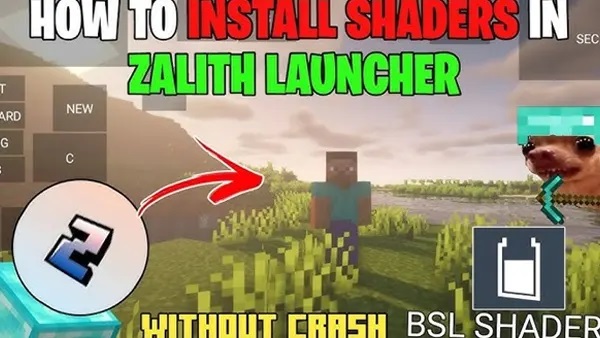
Zalith Launcher APK is a free Android app that runs actual Minecraft Java Edition. The real PC game Mojang sold you, not the mobile port.
It came from PojavLauncher originally. The devs forked the code and then focused on something the original team kinda ignored. Making it usable. The menus are clean. Settings are where you expect them to be. You don't need a tutorial to figure out how to switch versions.
Technically it's doing something pretty wild. Android can't run desktop Java programs. So Zalith packs an entire Java runtime into the app. When you hit play it spins up this little virtual environment and Minecraft boots up inside it thinking everything is normal.
Mod support is baked right in. Forge, Fabric, OptiFine, whatever. Pick from a dropdown menu instead of messing with manual installations. Works most of the time.
Login uses Microsoft's official system too. No typing your password into some random text box. You get redirected to Microsoft's actual site, sign in there, and the launcher just gets a token back.
They pushed out ZalithLauncher2 not too long ago. Newer Java versions, bug fixes, the usual maintenance stuff. It's actively being worked on which is reassuring.
🎮 How Does It Work?
Alright so the technical side is kind of nuts when you think about it.
Your phone doesn't speak the same language as a PC. Desktop Minecraft uses OpenGL to draw everything on screen. Android phones use OpenGL ES or Vulkan.
Completely different things. Zalith has these translation layers built in, ANGLE and Virgl and stuff, that sit in between and convert the instructions in real time. Every frame you see is being translated on the fly.
Then there's the Java problem. Your phone processor can't run desktop Java applications directly. Zalith bundles a Java Runtime Environment. When you launch the game this environment boots up and creates a bubble where Minecraft thinks it's on a normal computer. The game has literally no idea it's running on a phone.
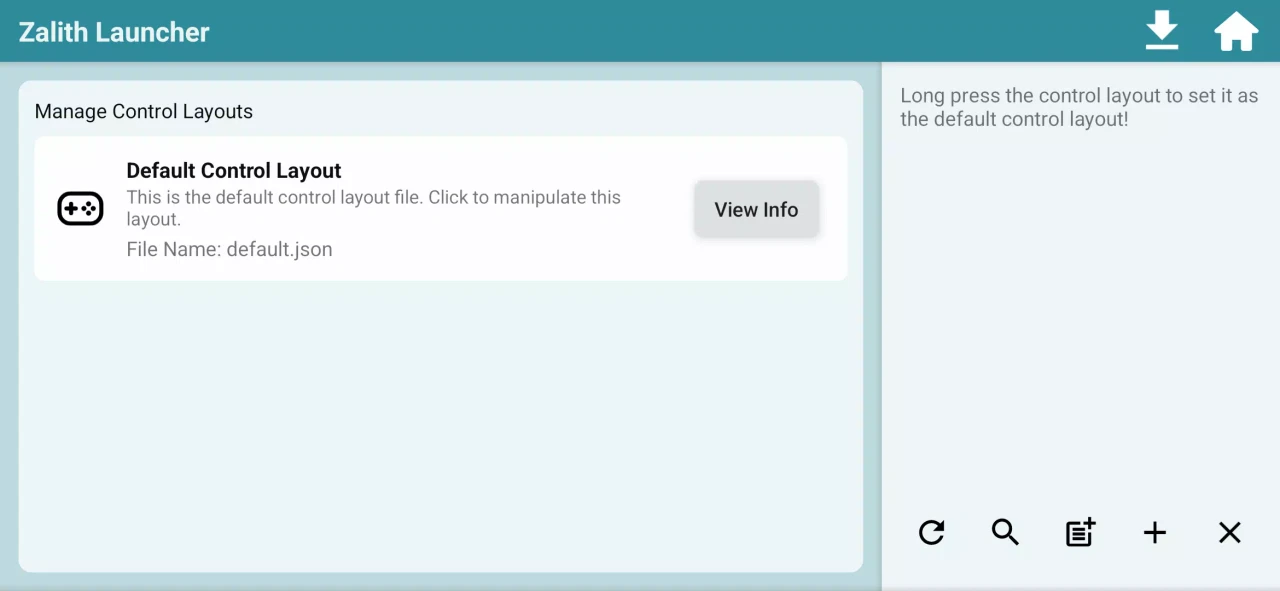
Controls are the other big puzzle. Minecraft expects keyboard and mouse. You're poking at glass. The app throws up customizable virtual controls.
A thumbstick for moving, a touchpad area for looking around, buttons you can assign to whatever keys you want. Bluetooth keyboards and controllers work too. I dug out an old PS4 controller from a drawer and it paired right up.
It's a lot of moving parts. Translation layers converting graphics calls. A whole Java virtual machine humming along. Virtual inputs pretending to be physical ones. Somehow it all holds together.
✨ Key Features Of Zalith Launcher- The Ones Worth Knowing About
📱 Interface That Doesn't Hurt To Look At
Other launchers look like they escaped from 2004. Zalith has a proper dark themed UI that actually feels like an Android app. Finding your mod folder or switching game versions takes seconds. No digging through cryptic menus.
🔧 Mod Support That Mostly Just Works
This is what got me to switch. Adding mods used to mean downloading sketchy ZIPs and then fighting Android's file permissions for an hour. Zalith has its own file browser and handles mod installation internally.
Pick Fabric or Forge from a menu, drop your mods in the right folder through the built-in explorer. Done. Big modpacks can still be finicky but normal mods work fine.
🎮 Controls You Can Actually Customize
Default layout is usable enough. The editor though, that's where it gets good. You can add extra buttons mapped to specific keys. Handy for modded stuff where you need hotkeys. Resize things, move them around, make them transparent so they don't block your view. Takes some fiddling but you can dial in something comfortable.
⚡ Vulkan Rendering Option
Newer phones support Vulkan. It's a modern graphics API that handles rendering more efficiently than the old OpenGL methods. Turning this on usually means better framerates and less heat. Not all devices support it but if yours does, use it.
📁 Built-In File Manager
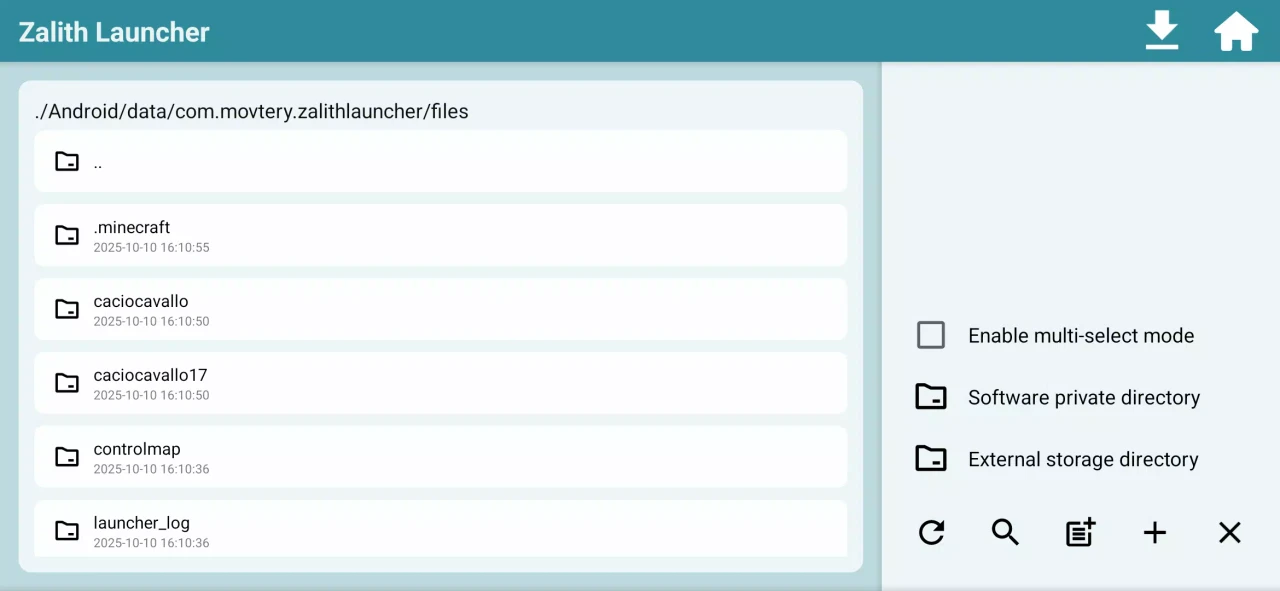
Android's recent updates made it really annoying to access app data folders. Zalith sidesteps the whole thing with its own file explorer. You can move saves around, drop in resource packs, grab screenshots. All without leaving the app or messing with permissions.
🔐 Proper Microsoft Login
You authenticate through Microsoft's official flow. Browser window opens, you sign in on Microsoft's real website, the launcher gets a token. Your password never touches the app. Same way legitimate PC launchers handle it.
💡 Benefits of Using Zalith Launcher
Biggest thing is just being able to play real Java Minecraft wherever. I've been on servers during my lunch break. Messed with modpacks while waiting for appointments. It's the actual PC version so everything works the way you expect. Redstone behaves. Combat feels right. You can join whatever server your friends are on without platform restrictions.
Performance surprised me honestly. You can tune the RAM allocation to match your device. Got a budget phone? Keep it low and turn settings down. Got something newer? Give it more memory and maybe run some light shaders. Having that control matters.
Convenience is huge too. Everything lives in one app. You're not juggling three different tools and a guide from some forum post. Version switching, mod management, file browsing. It's all there.
Also it's free. No ads, no paywalls, no premium features locked behind five bucks. Rare thing these days especially for something this useful.
🛠️ Tips to Get the Most Out of It
🧠 Don't Go Crazy With Ram Allocation
People love sliding that RAM bar to max and then wondering why their phone became unusable. Android needs memory too. If you have 8GB total, 4GB for the launcher is plenty. Maybe less on older phones. Find the balance.
⚙️ Performance Mods Are Basically Required
Vanilla Java Minecraft runs terribly. Install Sodium and Lithium immediately if you're on Fabric. It's not optional, do it. Doubles your frames easy. Forge users should grab Embeddium.
🔥 Vulkan If Your Phone Supports It
Check renderer settings. If Vulkan is an option pick it. Better performance and less battery drain usually.
🎮 Fix The Mouse Sensitivity
Default sensitivity always feels too slow. Bump it up in control settings. Also map a dedicated crouch button somewhere comfortable. You'll need it for building.
📉 Keep Render Distance Low
Set it to like 6 or 8 chunks. Your phone isn't a gaming PC. Pushing higher just causes lag when you start exploring new terrain. Bump it up temporarily if you want a nice screenshot.
📥 How to Download and Install Zalith Launcher APK Latest Version
The most reliable and safe place to download from I recommend APKview.com as your resource. Random download sites don’t have that security layer of checking APK signatures before publishing.
Step 1: Open the browser on your Android device and go to APKview.com.
Step 2: Enter “Setlog APK” in the search box.
Step 3: Locate the most recent version of the APK file. Just make sure that it’s from a trusted source on the site.
Step 4: Choose the download button. Your device might prompt you to confirm if you want to download the file – confirm if you want to download it.
Step 5: This is where most people get it wrong. You must allow installations from Unknown Sources. On most Android phones, go to Settings > Security > Unknown Sources and toggle it on. Some new phones may ask you to give permission for your browser only – just do what it tells you on your screen.
Step 6:Tap the downloaded APK file. It’s usually sitting in your Downloads folder.
Step 7: Click on Install and wait for few seconds. It's fairly fast.
Step 8: When done, open the app and sign up or login, if you have an existing account.
Just A Quick Note – if you receive an error, the file might be corrupted or you might have downloaded the wrong version. Try downloading again, or check that your Android version is supported.
🔒 Is It Safe to Use? Here's the Honest Take
People worry about APK files. Fair enough. Lots of junk floating around.
But Zalith itself is clean. The source code is public on GitHub. Anyone can look through it. Thousands of people have. If there was malware or spyware hidden in there someone would have spotted it by now and raised hell about it. That's the benefit of open source.
Account security is handled right too. Uses Microsoft's official login flow. Your password goes straight to Microsoft's servers. The app just gets an access token confirming you own the game. Never touches your credentials.
The actual risk is fake download sites. Shady APK repositories that take popular apps and inject crap into them. That's why I keep mentioning APKview or GitHub. Don't grab files from random YouTube links. Don't use sites that hit you with five popups before downloading. If it looks sketchy it probably is.
Keep Android's Play Protect on. Between that and sticking to trusted sources you'll be fine.
⚖️ Pros and Cons — The Unfiltered Take
✅ Pros:
- Real Java Minecraft running on a phone.
- Free, open source, zero ads.
- Mod support is solid for most use cases.
- Built-in file browser fixes Android storage headaches.
- Crossplay with PC players on Java servers.
- Deep control customization, controller support.
- Vulkan option for better performance.
❌ Cons:
- Battery drain is real and unavoidable.
- Budget phones from a few years ago will struggle.
- Touch controls can't match mouse and keyboard for PvP.
- Massive 200+ mod modpacks sometimes need troubleshooting.
- Occasional visual bugs depending on your phone model.
🏁 Final Verdict — Is It Worth Downloading?
Yeah I think so. If you actually want Java Minecraft on your phone and not Bedrock, this is the best way to do it right now.
It's not perfect. You need decent hardware to get smooth performance. You'll spend some time tweaking settings and controls to your liking. Battery life takes a hit no way around that.
But when you're chilling on the couch, logged into your favorite server, and the game is actually running well, it's kind of amazing that this is possible at all. On a phone. For free.
The team behind it clearly cares about the project. Updates come regularly. Bugs get fixed. The recent ZalithLauncher2 update smoothed out a lot of rough edges.
So grab it from somewhere trustworthy. Install Sodium. Keep render distance reasonable. Pair a controller if touch controls annoy you. Do those things and you'll have a genuinely good portable Java experience. It's worth the setup time.








